Cato Client
Cato Client is a device agent for zero-trust access to internet, SaaS, cloud and private data-center resources.
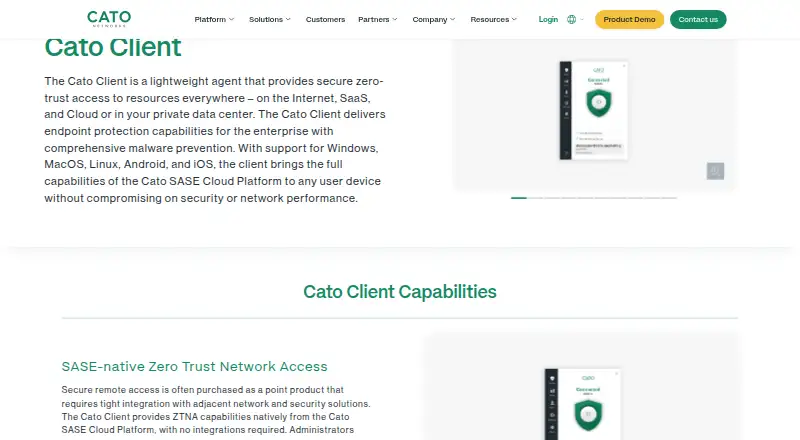
What Cato Client is
Cato Client is a device agent for zero-trust access to internet, SaaS, cloud and private data-center resources. It authenticates users, checks device posture and opens an encrypted connection to the Cato SASE Cloud Platform for access to applications. Its built-in endpoint protection scans files and running processes for malware, including unknown and zero-day threats. Ongoing checks can cover anti-malware, firewall, disk encryption, patching, endpoint DLP and device certificates; if a device falls outside policy, access can be restricted or the connection ended. Administrators can deploy it through an MDM or self-service onboarding portal, manage upgrade rollouts centrally and enable an always-on mode that can prevent users from disabling the client. It supports Android, iOS, Linux, macOS and Windows, and can connect through a nearby Cato PoP using Cato’s Global Private Backbone. The paid product has no free plan, offers a free trial and lists pricing on request.
Good
- Supports Android, iOS, Linux, macOS and Windows.
- Checks multiple device security attributes continuously.
- Includes file and process malware scanning.
- Centralized upgrade rollouts include pilot groups.
- Offers MDM and self-service deployment options.
Watch out
- No free plan is listed.
- Pricing is available on request.
- Always-on mode can prevent users disabling the client.
Who it suits
It suits organizations seeking managed zero-trust access for staff connecting remotely or behind a site. Administrators can deploy it across devices and set posture and always-on policies.
Verdict
Cato Client combines application access, device posture checks and endpoint protection in an organization-managed agent. Consider it if those controls and centralized deployment fit your access requirements; pricing requires contacting Cato.
Plans and prices
From Cato Client's own pricing page, checked 30 Sep 2026.
| Plan | Price | What it gives you |
|---|---|---|
| Commercial license | — | Secured remote and Internet access require a ZTNA license · Digital Experience requires a DEM license · Purchased from Cato for one or more years; contact a Cato representative or reseller |
The facts
Each one read from Cato Client's own pages, with the date it was checked.
What it does
- Access model
- ztnachecked 22 Sep 2026
- Access response
- When a device deviates from policy, Cato can limit access or terminate the user connection.checked 30 Sep 2026
- Admin control level
- advancedchecked 22 Sep 2026
- Always-on
- Always-on mode can prevent users from disabling the Client and force traffic inspection by the Cato SASE Cloud Platform.checked 30 Sep 2026
- Audit logs
- Yeschecked 22 Sep 2026
- Deployment
- Administrators can deploy the Client through an MDM or a self-service onboarding portal.checked 30 Sep 2026
- Digital experience
- Digital Experience features include Synthetic Monitoring and combining network, application, and user analytics.checked 30 Sep 2026
- Endpoint protection
- The built-in Cato EPP scans files and analyzes running processes for malware, including unknown and zero-day threats.checked 30 Sep 2026
- Integrations
- Cato’s Integration Hub lists 100 integrations across authentication, EDR, SIEM, SaaS security, storage, ITSM, and other categories.checked 30 Sep 2026
- Management
- The Cato Management Application centrally controls Client software upgrade rollouts, including pilot-group upgrades.checked 30 Sep 2026
- Network performance
- The Client dynamically connects to the nearest Cato PoP and uses Cato’s Global Private Backbone for optimized access.checked 30 Sep 2026
- Posture checks
- The Client continuously checks attributes including anti-malware, firewall, disk encryption, patching, endpoint DLP, and device certificates.checked 30 Sep 2026
- Purpose
- The Cato Client is a lightweight agent providing secure zero-trust access to Internet, SaaS, cloud, and private-datacenter resources.checked 30 Sep 2026
- Security certifications
- Cato states that it holds SOC 2, SOC 3, PCI-DSS Level 1, ISO 27001, ISO 27017, ISO 27018, ISO 27701, GDPR, and other certifications or attestations.checked 30 Sep 2026
- SSO / SCIM
- Yeschecked 22 Sep 2026
- Support
- Cato provides a support portal and directs customers to contact the Cato support team for help.checked 30 Sep 2026
- Target users
- The Client is recommended for installation on all devices in an organization and supports users connecting remotely or behind a site.checked 30 Sep 2026
- ZTNA
- It authenticates users, validates device posture, and establishes an encrypted tunnel to the Cato SASE Cloud Platform for application-centric access.checked 30 Sep 2026
Where it runs
- Device posture
- Yeschecked 22 Sep 2026
- Supported platforms
- Windows,macOS,Linux,iOS,Androidchecked 22 Sep 2026
The company
- Founded
- 2015checked 28 Sep 2026
- Headquarters
- Tel Aviv, Israelchecked 28 Sep 2026
Money
- Free plan
- Nochecked 22 Sep 2026
Alternatives to Cato Client
- 1

Tailscale
Free planOpen sourceAndroidiOSWebAPI9.4From $1 a month - 2

Windscribe
Free planOpen sourceAndroidiOSWebExtension9.1From $3 a month - 3

NetBird
Free planAndroidiOSLinuxmacOS9.0From €6 a month - 4
Twingate
Free planAndroidiOSWebAPI8.9From $5 a month - 5

GoodAccess
Free planAndroidiOSWebLinux8.8Free plan - 6

ZeroTier
Free planAndroidiOSWebAPI8.8From $18 a month