
AutoSubtitles
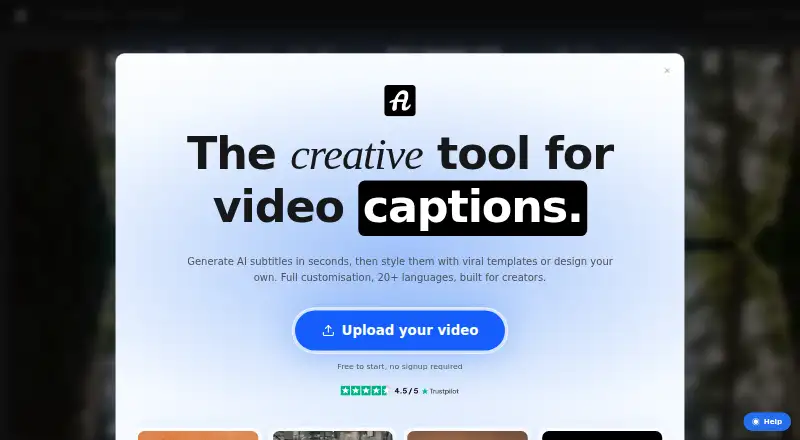
The facts below are what the maker publishes about AutoSubtitles, checked and dated. Our editors have not written about it yet.
Plans and prices
From AutoSubtitles's own pricing page, checked 28 Sep 2026.
| Plan | Price | What it gives you |
|---|---|---|
| Free | Free | AI subtitle generation · all subtitle styles and animations · up to 720p export · videos up to 10 minutes · small AutoSubtitles.com watermark · free |
| Pro | $5 a month | no watermark · videos up to 30 minutes · AI subtitle translation · saved custom styles · custom font uploads · priority support · billed annually |
| Max | Priced on request | everything in Pro · videos up to 1 hour · not stated |
The facts
Each one read from AutoSubtitles's own pages, with the date it was checked.
What it does
- Audience
- The maker positions AutoSubtitles for creators, marketers, educators, freelancers, agencies, social media managers, and podcasters.checked 28 Sep 2026
- Brand caption presets
- Yeschecked 22 Sep 2026
- Burn-in captions
- Yeschecked 22 Sep 2026
- Caption languages
- 20checked 22 Sep 2026
- Caption styling
- Users can customize fonts, size, colors, outlines, backgrounds, position, alignment, and animations, or use 25+ presets.checked 28 Sep 2026
- Exports
- The product exports burned-in captioned video plus SRT, VTT, and TXT subtitle files.checked 28 Sep 2026
- Languages
- It supports 20+ languages with automatic language detection.checked 28 Sep 2026
- Local processing
- Video editing, previewing, and rendering happen locally in the browser, while only the audio track and limited metadata are sent for transcription.checked 28 Sep 2026
- Max video length
- 30checked 22 Sep 2026
- Paid from
- 5checked 22 Sep 2026
- Payments and refunds
- Payments are processed by Stripe, and the maker offers a 14-day refund policy for lifetime license purchases when no Pro exports have been made.checked 28 Sep 2026
- Pro capabilities
- Pro removes the watermark, raises the video limit to 30 minutes, and adds translation, reusable styles, custom fonts, and priority support.checked 28 Sep 2026
- Purpose
- AutoSubtitles generates AI subtitles, lets users edit wording and timing, and exports captioned videos.checked 28 Sep 2026
- Subtitle export
- other formatschecked 22 Sep 2026
- Support
- Support is provided by email at [email protected], and Pro includes priority support.checked 28 Sep 2026
- Transcription retention
- Third-party transcription providers process data only for transcription and delete it automatically after processing, typically within minutes.checked 28 Sep 2026
- Video formats
- Supported video formats include MP4, MOV, WebM, AVI, and MKV, with other browser-playable formats potentially supported.checked 28 Sep 2026
Where it runs
- Browser codec note
- Chrome and Edge are recommended for HEVC footage, while Safari uses native macOS/iOS HEVC decoding and Firefox may reduce output framerate.checked 28 Sep 2026
- Browser workflow
- The service runs in the browser with no signup, login, account, or software installation required.checked 28 Sep 2026
Money
- Free limits
- The free tier exports up to 720p, supports videos up to 10 minutes, and adds a small AutoSubtitles.com watermark.checked 28 Sep 2026
- Free plan
- Yeschecked 22 Sep 2026
Alternatives to AutoSubtitles
- 1

Captions
Free planAndroidiOSWebAPI9.1From $4.99 a month - 2

Whisper
Free planOpen sourceAPILinuxmacOSSelf-hosted8.9$0.01 usage-based - 3

SRTGen
Free planWebAPI8.3From $4 a month - 4
Fluen AI Subtitle Generator
Free planWebAPIExtensionmacOS8.2Free plan - 5
ZapCap
Free planAndroidiOSWebAPI8.1From $8 a month - 6
ngram
Free planWebAPIExtension8.1From $29 a month