
AppControl
AppControl is a free historical Task Manager for Windows that records system activity and app behavior over time.
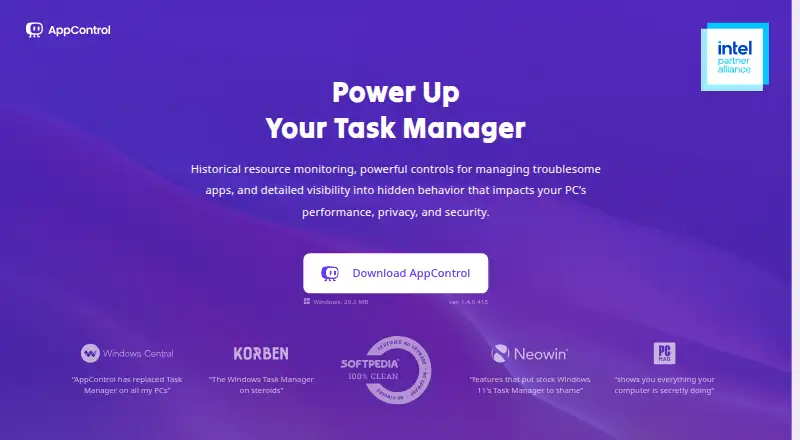
What AppControl is
AppControl is a free historical Task Manager for Windows that records system activity and app behavior over time. It keeps approximately 72 hours of second-by-second history covering CPU, GPU, memory, disk, temperature, and app events. For executables, it presents plain-language descriptions along with publisher, signature, and elevated-privilege details. Alerts can flag webcam, microphone, or location access, new or unsigned apps, and silent updates. Users can disable apps, block publishers, and create rules to stop software from returning. Activity history stays locally stored, while optional suspicious-app analysis is off by default and requires consent. An optional MCP server connects compatible AI clients to AppControl data after users enable it and approve data access; its nine tools are read-only and cannot change rules or configuration. A command-line tool shows live resource use and process events. AppControl supports modern Windows 10 and Windows 11 and requires administrator privileges to install. It is not an antivirus product and does not replace dedicated security tools.
Good
- Keeps approximately 72 hours of detailed activity history.
- Alerts on device access and new or unsigned apps.
- Lets users disable apps and block publishers.
- Stores activity history locally.
- Includes a command-line tool for live resource use.
Watch out
- Supports Windows 10 and Windows 11 only.
- Installation requires administrator privileges.
- It is not an antivirus product.
Who it suits
AppControl may suit Windows users who want to investigate background activity, including gamers, IT professionals, privacy-conscious users, and people troubleshooting their systems. It is not a replacement for dedicated antivirus or other security tools.
Verdict
AppControl focuses on activity history, app details, alerts, and controls on Windows. Keep in mind that installation requires administrator privileges and the product does not replace dedicated security software.
Plans and prices
From AppControl's own pricing page, checked 30 Sep 2026.
| Plan | Price | What it gives you |
|---|---|---|
| AppControl | Free | Free to download and use · No email or registration required · Optional premium features may be introduced in the future |
The facts
Each one read from AppControl's own pages, with the date it was checked.
What it does
- AI integration
- An optional MCP server connects compatible AI clients to AppControl data and is off by default; users must enable it and approve access to data types.checked 30 Sep 2026
- Command line
- The included command-line tool runs in Windows Terminal, PowerShell, or Command Prompt and shows live resource usage and process events.checked 30 Sep 2026
- History
- It keeps approximately 72 hours of second-by-second activity, including CPU, GPU, memory, disk, temperature, and app events.checked 30 Sep 2026
- MCP limits
- The MCP server exposes nine read-only tools and cannot modify rules or configuration.checked 30 Sep 2026
- Privacy alerts
- It can alert users to webcam, microphone, or location access, new or unsigned apps, and silent updates.checked 30 Sep 2026
- Product limitation
- AppControl states that it is not an antivirus product and does not replace dedicated security tools.checked 30 Sep 2026
- Security and privacy
- AppControl says activity history is stored locally and optional suspicious-app analysis is disabled by default and requires user consent.checked 30 Sep 2026
- Support
- Users can get help through the AppControl Forum, Discord, or contact page.checked 30 Sep 2026
- What it does
- AppControl is a free historical Task Manager for Windows that tracks system activity and app behavior over time.checked 30 Sep 2026
- Who it serves
- The maker describes it for Windows users including gamers, IT professionals, privacy-conscious users, and everyday users troubleshooting background activity.checked 30 Sep 2026
Where it runs
- App controls
- Users can disable an app, block a publisher, and create custom rules to prevent software from returning.checked 30 Sep 2026
- App details
- It describes executables in plain language and shows publisher, signature, and elevated privilege information.checked 30 Sep 2026
- Supported Windows
- AppControl supports modern versions of Windows 10 and Windows 11 and requires administrator privileges to install.checked 30 Sep 2026
The company
- Headquarters
- Austin, Texas, USAchecked 28 Sep 2026
Alternatives to AppControl
- 1

Fastfetch
Free planOpen sourceAndroidLinuxmacOSSelf-hosted7.5Free plan - 2
Facter
Free planOpen sourceAPILinuxmacOSSelf-hosted7.4Free plan - 3
AIDA64
AndroidiOSWindows7.0€59.95 one-time - 4
Btrfsmaintenance
Free planOpen sourceLinuxSelf-hosted6.9Free plan - 5
SIW
Free planWindows6.6From $39.99 a year - 6

Speccy
Free planWindows6.6$19.95 one-time