Adapter
Adapter is desktop software for converting video, audio, and image files on Windows and macOS.
What Adapter is
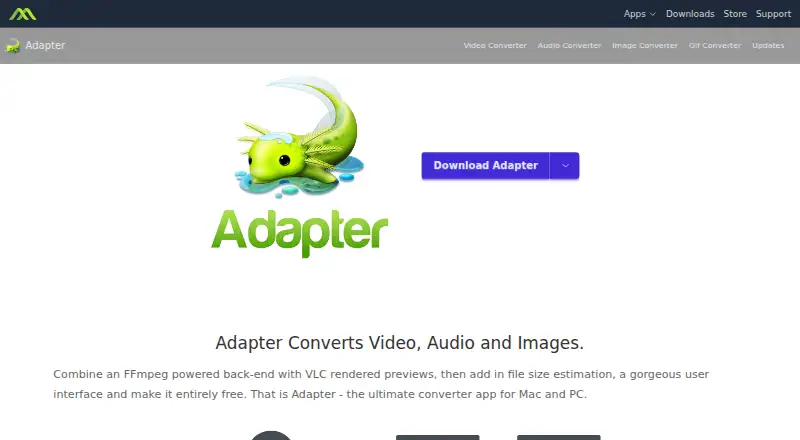
Adapter is desktop software for converting video, audio, and image files on Windows and macOS. The maker says it can convert to and from any file format and supports batch conversion. Controls include resolution, dimensions, and frame rate, along with options for image sequences, ringtones, and animated GIFs. Two VLC players appear side by side to preview a conversion against the original, and Adapter estimates the output file size before conversion. Editing options include trimming audio or video, burning subtitles, adding audio tracks, and overlaying text or watermarks. It can export to iTunes and iPhone, and the maker describes conversions for iPhone, Android, and other devices. Adapter is freeware with no stated usage limits or restrictions, and cloud conversion is not offered. The license says FFmpeg may need to be downloaded; the Windows version may require VLC for previews. Macroplant provides a support center, ticket submission, and tutorials. The maker is listed as Adapter, headquartered in Boston, with a founding year of 2008.
Good
- Converts video, audio, and image files
- Supports batch conversion
- Estimates output file size before conversion
- Freeware with no stated usage restrictions
Watch out
- No cloud conversion
- FFmpeg may need to be downloaded
- Windows previews may require VLC
Who it suits
Adapter suits people who want to convert or batch-process media files on a Windows or macOS desktop. It may also suit users who need basic trimming, subtitle, audio-track, or overlay controls.
Verdict
Adapter covers a broad set of media conversion and editing tasks in a free desktop application. Keep its possible FFmpeg and Windows VLC requirements in mind.
Plans and prices
From Adapter's own pricing page, checked 22 Sep 2026.
| Plan | Price | What it gives you |
|---|---|---|
| Free | Free | Video, audio, and image conversion · Batch conversion · No stated limits or restrictions |
| Freeware | Free | 100% freeware; no limits or restrictions stated |
The facts
Each one read from Adapter's own pages, with the date it was checked.
What it does
- Batch conversion
- Users can queue groups of images, songs or movies for batch conversion.checked 8 Oct 2026
- Conversion options
- The product page lists controls for resolution, dimensions and frame rate, plus image sequences, ringtones and animated GIFs.checked 8 Oct 2026
- Dependencies
- The license says Adapter may require downloading FFmpeg, and the Windows version may require VLC for previews.checked 8 Oct 2026
- Editing features
- The product page lists trimming audio or video, burning subtitles, adding audio tracks, and overlaying text or watermarks.checked 8 Oct 2026
- File size estimate
- Adapter estimates output file size before conversion.checked 8 Oct 2026
- Formats
- The maker says Adapter can convert to and from any file format.checked 8 Oct 2026
- Preview
- Adapter uses two VLC players side by side to preview conversions and compare output with the original.checked 8 Oct 2026
- Privacy
- Macroplant's privacy policy says it does not sell personal information and limits sharing to what is needed to fulfill its obligations or operate its services.checked 8 Oct 2026
- Purpose
- Adapter converts video, audio and image files.checked 8 Oct 2026
- Support
- Macroplant provides an Adapter support center, ticket submission and tutorials.checked 8 Oct 2026
Where it runs
- Device export
- Adapter can export to iTunes and iPhone, and the maker describes conversions for iPhone, Android and other devices.checked 8 Oct 2026
- Platforms
- Macroplant offers separate Windows and macOS downloads; its downloads page lists Windows 7, 8, 10 or later and macOS 10.7 or later.checked 8 Oct 2026
Money
- Free plan
- Yeschecked 22 Sep 2026
- Free use
- Macroplant describes Adapter as 100% freeware with no limits or restrictions.checked 8 Oct 2026
The company
- Headquarters
- Boston, Massachusetts, United Stateschecked 28 Sep 2026
- Maker
- Macroplant says it has operated since 2008 and is headquartered in Boston, Massachusetts.checked 8 Oct 2026
Alternatives to Adapter
- 1
Convertio
Free planAndroidiOSWebAPI8.3From $6.99 a month - 2
FreeConvert GIF Maker
Free planAndroidiOSWebAPI8.2From $12.99 a month - 3
GrabzIt
Free planAndroidiOSWebAPI8.2Free plan - 4
Zamzar API
Free planAndroidiOSWebAPI8.2From $25 a month - 5

CloudConvert Audio Converter
Free planAndroidiOSWebAPI8.1From $10 a month - 6
MConverter
Free planAndroidiOSWebAPI8.1From $116.99 a year