Winget-AutoUpdate
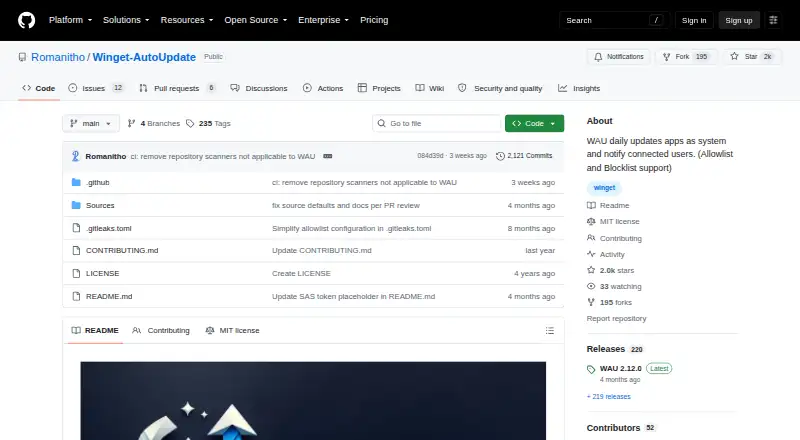
Winget-AutoUpdate is a free, open-source Windows utility that uses Winget to update applications in system or user context.
What Winget-AutoUpdate is
Winget-AutoUpdate is a free, open-source Windows utility that uses Winget to update applications in system or user context. It can notify users when updates are available or installed. Allowlists and blocklists, including wildcard app IDs, determine which applications update automatically. The default schedule runs at logon, with options for daily, twice-weekly, weekly, every two weeks, monthly, or never. Notifications can show every result, successes only, errors only, or no popups, and locale XML files can translate notification text. Custom scripts may run before, during, or after installations and upgrades, or after failures. Deployment documentation covers Intune, SCCM, Group Policy, and Winget-Install, while administrative templates manage settings through GPO or Intune. Fresh installations stop on metered connections by default, unless an installer setting permits operation. The project notes that Microsoft Store PowerShell is unsupported in system context.
Good
- Free open-source Windows project
- Allowlist and blocklist app selection
- Flexible update schedules
- System and user execution contexts
- Intune and Group Policy deployment
Watch out
- Windows-only
- Microsoft Store PowerShell unsupported in system context
- No portable version
- Stops on metered connections by default
Who it suits
It suits Windows administrators and advanced users who need scheduled, controlled application updates. Enterprise deployment options support managed environments.
Verdict
Winget-AutoUpdate provides configurable updates for Windows applications with administrative deployment controls. Its system-context limitation for Microsoft Store PowerShell is important for some setups.
Plans and prices
From Winget-AutoUpdate's own pricing page, checked 7 Oct 2026.
| Plan | Price | What it gives you |
|---|---|---|
| Winget-AutoUpdate | Free | Free GitHub project · Windows x64 MSI |
The facts
Each one read from Winget-AutoUpdate's own pages, with the date it was checked.
What it does
- Administration
- Administrative templates allow WAU settings to be managed through GPO or Intune policies.checked 7 Oct 2026
- Custom scripts
- Mods can run custom scripts before, during, or after app installs and upgrades, or after failures.checked 7 Oct 2026
- Deployment integrations
- The README documents deployment using Microsoft Intune, SCCM, Group Policy, and Winget-Install.checked 7 Oct 2026
- Execution contexts
- WAU can run in system and user contexts so it can update apps installed in a user's scope.checked 7 Oct 2026
- Intended users
- The project describes advanced installation as mainly for admins or advanced users and documents enterprise deployment options.checked 7 Oct 2026
- Known limitation
- The README says PowerShell from Microsoft Store is not supported with WAU in system context.checked 7 Oct 2026
- Metered connections
- By default WAU stops on metered connections after a fresh install; an installer setting can allow it to run on them.checked 7 Oct 2026
- Notifications
- Notification settings include full, success-only, errors-only, or no popups, and notification text can be translated with a locale XML file.checked 7 Oct 2026
- Purpose
- Winget-AutoUpdate uses the Winget tool to update apps in system context and notify users when updates are available or installed.checked 7 Oct 2026
- Scheduling
- Runs at logon by default and can be configured for daily, twice-weekly, weekly, every two weeks, monthly, or never.checked 7 Oct 2026
- Security and trust
- The latest release page lists a SHA256 hash for the x64 MSI and says its release commit was signed with GitHub's verified signature.checked 7 Oct 2026
Where it runs
- App selection
- It supports allowlists and blocklists, including wildcard app IDs, to select apps for automatic updates or exclusion.checked 7 Oct 2026
Alternatives to Winget-AutoUpdate
- 1

Patch My PC
Free planWebmacOSSelf-hostedWindows7.7From $3.50 a year - 2

Version Tracker
Free planmacOS6.6€4,990 one-time - 3

Glarysoft Software Update
Free planWindows6.5From $12.95 a year - 4

UCheck
Free planWindows6.5From $12 a year - 5
RuckZuck
Free planAPISelf-hostedWindows6.3Free plan - 6

UniGetUI
Free planLinuxmacOSWindows6.2Free plan