Terser
Terser is a JavaScript minifier that reduces code size by shortening variable names, removing whitespace and comments, and dropping unused code.
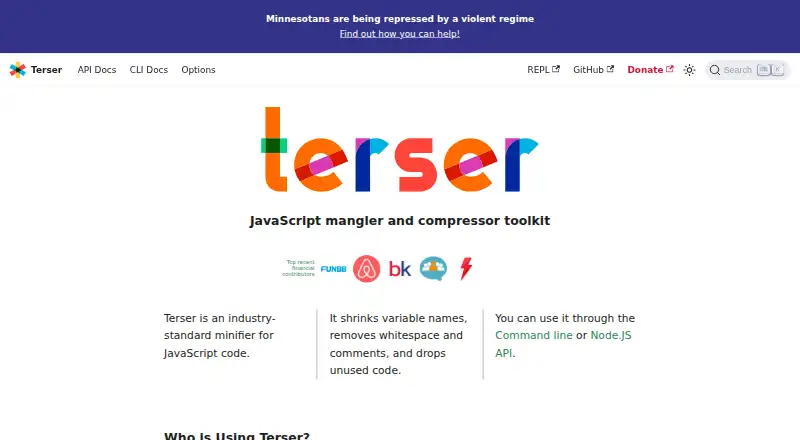
What Terser is
Terser is a JavaScript minifier that reduces code size by shortening variable names, removing whitespace and comments, and dropping unused code. It is free, open-source software available for Linux, macOS, Windows, the web and API use. Developers can use its command-line interface or Node.js API; browser loading is also supported, exposing a global `Terser` variable with a `.minify` property. The API's `minify()` enables compression and mangling by default, and either can be configured or disabled. Terser can return source maps through the API, while the CLI can generate maps for compressed JavaScript. The CLI processes multiple input files in sequence in one global scope, or reads from standard input if no file is specified. Compatibility options include an ECMAScript target, with `ecma` defaulting to 5 for compression and output formatting. Property-name mangling can break code, so the documentation cautions against using it without understanding its behavior. Built-in DOM property mangling is off by default and is not recommended to enable.
Good
- Free and open source.
- Available through CLI, Node.js API and browser loading.
- Can generate source maps.
- Supports multiple input files and standard input.
Watch out
- Property-name mangling can break code.
- Built-in DOM property mangling is not recommended.
Who it suits
Terser suits developers who need to minify JavaScript through a command line, Node.js API or browser loading. Its configuration options also suit workflows that need source maps or a specific ECMAScript target.
Verdict
Terser provides several ways to minify JavaScript, with configurable compression, mangling and compatibility settings. Take care with property-name mangling, which can break code.
Plans and prices
From Terser's own pricing page, checked 4 Oct 2026.
| Plan | Price | What it gives you |
|---|---|---|
| Terser | Free | JavaScript minifier toolkit |
The facts
Each one read from Terser's own pages, with the date it was checked.
Where it runs
- Browser use
- The API reference says browser loading is supported and exposes a global `Terser` variable with a `.minify` property.checked 4 Oct 2026
What it does
- Compatibility options
- Terser provides options for ECMAScript targets, including an `ecma` setting that defaults to 5 for compression and output formatting.checked 4 Oct 2026
- Compression and mangling
- The API's `minify()` enables compression and mangling by default, and both can be configured or disabled.checked 4 Oct 2026
- Funding
- The site invites individual and organizational financial contributions to support the project.checked 4 Oct 2026
- Input stream
- If no input file is specified, the CLI reads from standard input.checked 4 Oct 2026
- Integrations
- The project documentation describes using Terser with Acorn-produced SpiderMonkey AST input and replacing nested `uglify-es` dependencies with a Yarn resolution alias.checked 4 Oct 2026
- Multiple input files
- The CLI accepts multiple input files and parses them in sequence in the same global scope.checked 4 Oct 2026
- Property mangling risk
- The CLI documentation warns that property-name mangling can break code and advises using it only when its behavior is understood.checked 4 Oct 2026
- Property mangling safeguards
- The options documentation says built-in DOM property mangling is disabled by default and is not recommended to enable.checked 4 Oct 2026
- Purpose
- Terser is an industry-standard JavaScript minifier that shrinks variable names, removes whitespace and comments, and drops unused code.checked 4 Oct 2026
- Source maps
- The API can return a source map, and the CLI can generate source maps for compressed JavaScript.checked 4 Oct 2026
- Support
- The site links to Stack Overflow as a community resource, and its issue-reporting guide asks users to provide a minimal reproducible example.checked 4 Oct 2026
- Ways to use
- The site says Terser can be used through its command-line interface or Node.js API.checked 4 Oct 2026