Seer
The facts below are what the maker publishes about Seer, checked and dated. Our editors have not written about it yet.
Plans and prices
From Seer's own pricing page, checked 9 Oct 2026.
| Plan | Price | What it gives you |
|---|---|---|
| Personal | $15.99, paid once | 1 PC · lifetime updates · One-time payment |
| Plus | $26.99, paid once | 3 PCs · lifetime updates · One-time payment |
| Studio | $34.99, paid once | 5 PCs · lifetime updates · One-time payment |
The facts
Each one read from Seer's own pages, with the date it was checked.
What it does
- Copy from preview
- Users can copy text, images, and video frames directly from the preview window.checked 9 Oct 2026
- Download options
- The maker offers an installer, a portable desktop version, and a Microsoft Store version.checked 9 Oct 2026
- File formats
- The documentation says Seer supports hundreds of file types, including video, audio, images, Markdown, Office documents, folders, and web pages.checked 9 Oct 2026
- Integrations
- Third-party applications and custom file managers can integrate with Seer using Win32 IPC and WM_COPYDATA messages.checked 9 Oct 2026
- Operating system
- The purchase page lists compatibility as Windows 10 or later.checked 9 Oct 2026
- Performance
- The maker says Seer can preview very large archives, multi-gigabyte text files, and PDFs with tens of thousands of pages.checked 9 Oct 2026
- Plugin caution
- The terms say third-party plugins run locally and are installed at the user's risk; the publisher does not warrant or endorse them.checked 9 Oct 2026
- Plugins
- Plugins can extend preview formats, file property extraction, and control bar actions; Seer offers in-app and local plugin installation.checked 9 Oct 2026
- Privacy and network behavior
- The privacy policy says activation sends the IP address, license key, software version, and a pseudonymous device identifier to the licensing server, while update checks send the client version and system architecture.checked 9 Oct 2026
- Store limitation
- The Microsoft Store sandbox restricts some advanced features, including running Seer as administrator and auto-updating certain plugins.checked 9 Oct 2026
- Support
- The maker directs users to email [email protected] or open an issue on its GitHub repositories for technical help.checked 9 Oct 2026
- What it does
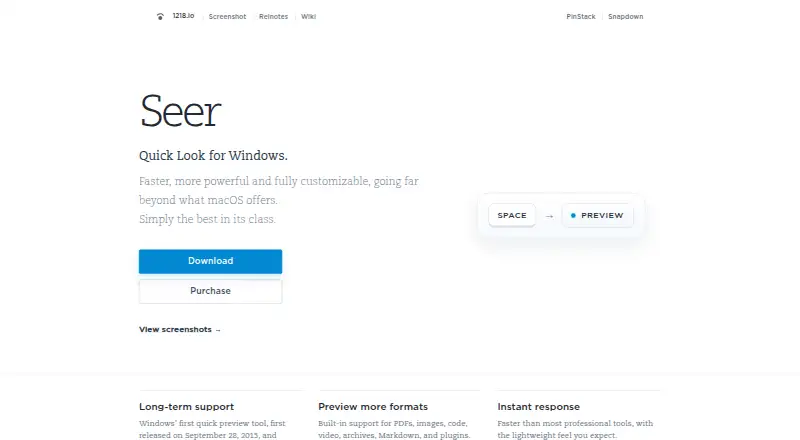
- Seer is a Quick Look style file preview tool for Windows, opened with the Space key.checked 9 Oct 2026
Money
- Free trial
- The terms state that a fully functional free trial is available before purchase; they do not specify its duration.checked 9 Oct 2026
Alternatives to Seer
- 1
ViewAnyFile.app
Free planAndroidiOSWebLinux7.9From $9.99 a month - 2

Universal File Opener
Free planAndroidWebLinuxSelf-hosted7.8From $9.99 a year - 3

Okular
Free planLinuxmacOSWindows6.9Free plan - 4
FastStone Image Viewer
Free planWindows6.8Free plan - 5
IrfanView
Free planWindows6.8Free plan - 6
Evince
Free planLinux6.5Free plan