Recovery Toolbox for CD Free
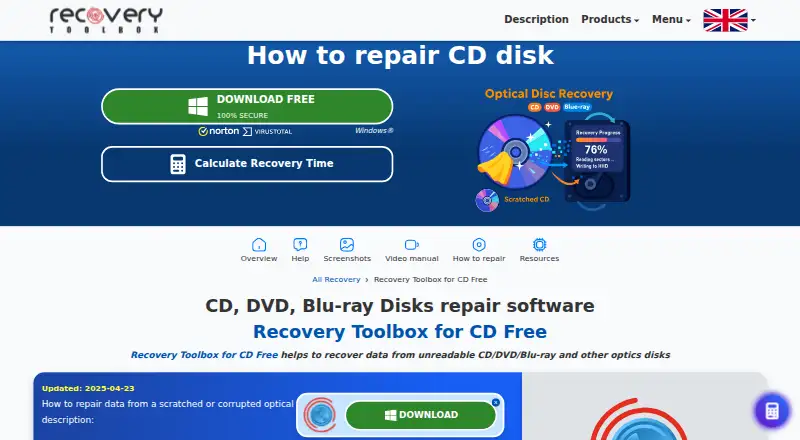
The facts below are what the maker publishes about Recovery Toolbox for CD Free, checked and dated. Our editors have not written about it yet.
Plans and prices
From Recovery Toolbox for CD Free's own pricing page, checked 12 Oct 2026.
| Plan | Price | What it gives you |
|---|---|---|
| Free | Free | Recover data from recognized optical discs on Windows |
The facts
Each one read from Recovery Toolbox for CD Free's own pages, with the date it was checked.
What it does
- Cloud storage
- The maker says cloud storage can be used as a destination if it is mapped in Windows and appears as a separate drive.checked 12 Oct 2026
- Damage support
- It is intended for discs affected by physical damage such as scratches or liquids, disc-writing software errors, and operating-system reading failures.checked 12 Oct 2026
- Drivers
- The utility uses Windows drivers and system settings and does not require additional drivers.checked 12 Oct 2026
- File preview
- Yeschecked 20 Sep 2026
- Operating systems
- Windows 98/Me/2000/XP/Vista/7/8/10/11; Windows Server 2003/2008/2012/2016 and abovechecked 20 Sep 2026
- Output options
- Recovered files can be saved to a chosen folder, including a folder on a flash drive; saving as an ISO image is not supported.checked 12 Oct 2026
- Purpose
- The program recovers files from unreadable or damaged CD, DVD, HD DVD, and Blu-ray discs.checked 12 Oct 2026
- Recovery behavior
- The program reads the optical disc and saves recovered data elsewhere without modifying the disc itself.checked 12 Oct 2026
- Recovery limits
- Complete recovery is not guaranteed, and the program is not designed to recover deleted files from overwritten optical discs.checked 12 Oct 2026
- Recovery sources
- CD,DVD,HD DVD,Blu-ray and other optical discs recognized by Windowschecked 20 Sep 2026
- Recovery workflow
- Users choose an optical drive, select a destination folder, and choose files or folders to recover.checked 12 Oct 2026
- Support
- The maker lists technical support via email.checked 12 Oct 2026
- Supported media
- It can work with optical discs recognized by Windows, including audio CDs and compatible external USB optical drives.checked 12 Oct 2026
- Time required
- The maker says recovery can take up to a day for a 700 MB CD and up to a week for a high-capacity DVD-R, depending on damage.checked 12 Oct 2026
The company
- Company
- Recovery Toolbox, Inc. says it has developed and distributed data-restoration software since 2003 and identifies itself as an independent software vendor.checked 12 Oct 2026
- Headquarters
- The contact page lists an office in Golden Sands, Varna, Bulgaria.checked 12 Oct 2026
Money
- Free plan
- Yeschecked 20 Sep 2026
Where it runs
- Platform requirements
- The listed requirements include Windows 98/Me/2000/XP/Vista/7/8/10/11 and Windows Server 2003/2008/2012/2016 and above; macOS and Linux are unsupported.checked 12 Oct 2026
Alternatives to Recovery Toolbox for CD Free
- 1
EaseUS Data Recovery Wizard
Free planAndroidiOSmacOSWindows9.0Free plan - 2

Disk Drill
Free planmacOSWindows8.4From $89 a year - 3
MiniTool Power Data Recovery
Free planmacOSWindows8.2From $89 a year - 4
DoYourData Recovery
Free planiOSmacOSWindows8.2From $69 a year - 5
AOMEI FastRecovery
Free planWindows8.1Free plan - 6

Hetman Partition Recovery
LinuxmacOSWindows7.9$97.95 one-time