Photo Booth Studio
Photo Booth Studio turns an iPad or iPhone into an event photo booth for occasions such as weddings, birthdays, graduations, and corporate events.
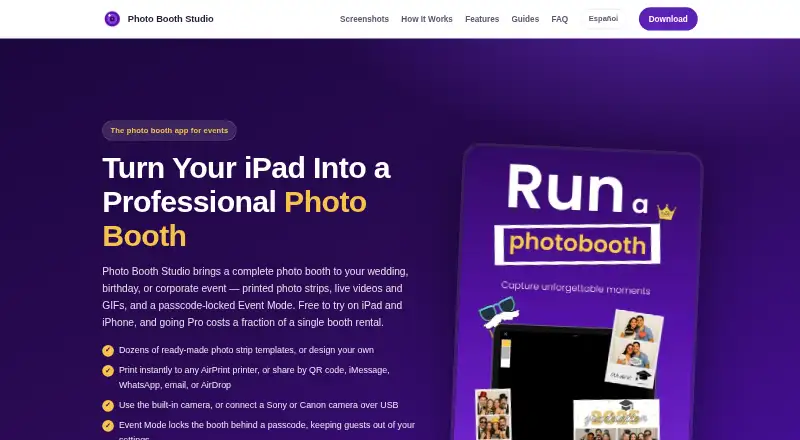
What Photo Booth Studio is
Photo Booth Studio turns an iPad or iPhone into an event photo booth for occasions such as weddings, birthdays, graduations, and corporate events. It includes 87 photo strip layouts in six print sizes, plus a designer with more than 200 font families and over 500 stickers. A capture can produce a photo, short live video, and looping GIF. Guests can share by QR code, iMessage, WhatsApp, email, or AirDrop; printing works with same-network AirPrint printers and can place two 2×6 strips on a 4×6 sheet. Event photos can optionally upload to the user's Google Drive or Dropbox. Sony or Canon cameras can connect to an iPad by USB with live view on screen. Pro adds background replacement using on-device person segmentation, while Event Mode uses a passcode to keep guests in the booth flow and protect settings. Photos and videos stay on the device, according to the developer, which says it does not receive, store, or access them; the app does use anonymous usage analytics and crash reporting. The free version watermarks photos and compositions. Pro costs $29.99 a month or $179.99 a year through the App Store.
Good
- Offers 87 layouts across six print sizes.
- Creates photos, short live videos, and looping GIFs.
- Supports AirPrint, QR codes, and common sharing channels.
- Stores photos and videos on the device.
- Event Mode uses a passcode to protect the booth flow.
Watch out
- Free photos and compositions include a watermark.
- Pro costs $29.99 a month or $179.99 a year.
- Requires an iOS device; no desktop platform is listed.
- Lead capture is not available.
Who it suits
Photo Booth Studio suits hosts of events who want guests to capture, print, and share photos from an iPad or iPhone. It may also suit event operators who want camera connection, passcode-locked Event Mode, or optional cloud uploads.
Verdict
Photo Booth Studio offers a broad set of capture, layout, printing, and sharing options for iPad- and iPhone-based event booths. The free version is watermarked, while removing the watermark and unlocking all features requires a Pro subscription.
Plans and prices
From Photo Booth Studio's own pricing page, checked 7 Oct 2026.
| Plan | Price | What it gives you |
|---|---|---|
| Free | Free | Photos and compositions include a Photo Booth Studio watermark |
| Pro Monthly | $29.99 a month | Removes watermark · Unlocks all features · Monthly subscription through the App Store |
| Pro Yearly | $179.99 a year | Removes watermark · Unlocks all features · Yearly subscription through the App Store |
The facts
Each one read from Photo Booth Studio's own pages, with the date it was checked.
What it does
- Background replacement
- The Pro feature replaces the background using on-device person segmentation without requiring a green screen.checked 7 Oct 2026
- Camera support
- The app supports connecting Sony or Canon cameras to an iPad over USB, with live view on the iPad screen.checked 7 Oct 2026
- Capture formats
- Each capture can produce a photo, a short live video, and a looping GIF.checked 7 Oct 2026
- Cloud integrations
- The app can optionally upload event photos to the user's Google Drive or Dropbox account.checked 7 Oct 2026
- Event lock
- Event Mode uses a passcode to keep guests in the booth flow and prevent them from changing settings or ending the session.checked 7 Oct 2026
- Intended users
- The maker describes the app for hosts of weddings, birthdays, quinceañeras, graduations, and corporate events; its terms also permit commercial use of app output at events.checked 7 Oct 2026
- Photo storage and privacy
- Photos and videos are stored on the device; the developer says it does not receive, store, or access them, while the app uses anonymous usage analytics and crash reporting.checked 7 Oct 2026
- Printing
- It prints to AirPrint printers on the same network and can format two 2×6 strips on a 4×6 sheet.checked 7 Oct 2026
- Purpose
- Photo Booth Studio turns an iPad or iPhone into an event photo booth for occasions including weddings, birthdays, graduations, and corporate events.checked 7 Oct 2026
- Security
- The privacy policy says purchase state and cloud access tokens are stored in the iOS Keychain and photos and settings are kept in the app's sandboxed storage protected by iOS device security.checked 7 Oct 2026
- Sharing
- Guests can share through QR code, iMessage, WhatsApp, email, and AirDrop.checked 7 Oct 2026
- Support
- The developer provides support on a reasonable-efforts basis by email at [email protected].checked 7 Oct 2026
- Templates
- The app offers 87 photo strip layouts across six print sizes and a designer with more than 200 font families and over 500 stickers.checked 7 Oct 2026
Alternatives to Photo Booth Studio
- 1
RevoSpin 360
Free planAndroidiOSWeb7.6$49.99 one-time - 2
Touchpix
AndroidiOSWebAPI7.6From $36.66 a month - 3
FreeBooth
Free planOpen sourceWebLinuxmacOSWindows7.5Free plan - 4
FotoBox
Free planOpen sourceLinuxmacOSSelf-hosted7.1Free plan - 5

LumaBooth
AndroidiOSWebmacOS7.0From $7.99 a month - 6

AI Photo Booth Pro
AndroidiOSmacOSWindows6.8From $49 a month