
Lacuna
Lacuna is a desktop app for formatting manuscripts into print books and eBooks.
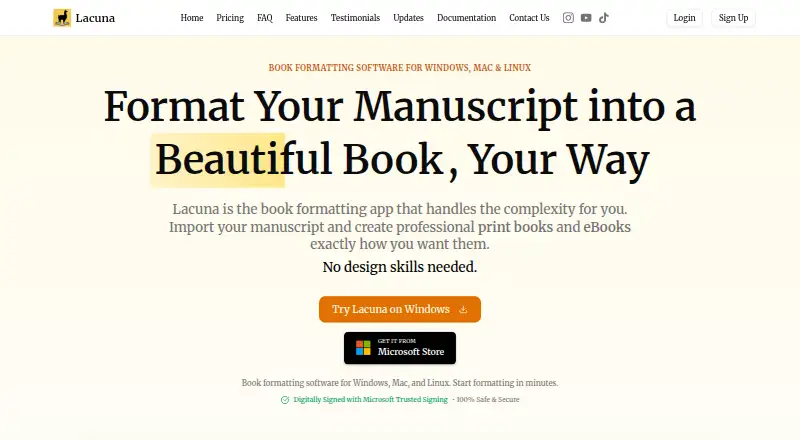
What Lacuna is
Lacuna is a desktop app for formatting manuscripts into print books and eBooks. It imports DOCX files and can identify chapters, sections, and other elements, then exports EPUB files and print-ready PDFs, including PDF/X-1a output. The app runs on your computer and stores work locally without cloud syncing.
Design tools include premade styles, custom themes, typography controls, and a live preview. Print settings cover trim sizes, custom margins, binding gutters, full bleed, and page numbering. Store-specific EPUB export is listed for Amazon, Kobo, Google, Barnes & Noble, and Apple Books. The trial includes full features and does not require a credit card, but payment is required to export. All listed licenses include lifetime updates. The 1 Machine license costs $149, paid once, the 2 Machines license costs $239, paid once, and the 3 Machines license costs $339, paid once. Lacuna supports Windows and macOS.
Good
- Imports DOCX and detects manuscript structure.
- Exports EPUB and print-ready PDFs.
- Includes print layout and typography controls.
- Trial includes full features without a credit card.
- Listed licenses include lifetime updates.
Watch out
- Payment is required to export.
- No free plan is listed.
- The 1 Machine license costs $149, paid once.
- Runs on Windows and macOS.
Who it suits
Lacuna suits authors who want desktop tools to format manuscripts for print and eBook export. The maker describes the 1 Machine license as suitable for individual authors and the 3-machine package as a small-team option.
Verdict
Lacuna offers manuscript layout controls and both EPUB and print-ready PDF export in a local desktop app. Use the trial to review its features, keeping in mind that export requires payment.
Plans and prices
From Lacuna's own pricing page, checked 30 Sep 2026.
| Plan | Price | What it gives you |
|---|---|---|
| 1 Machine | $149, paid once | 1 machine · E-book and print-ready PDF formatting · $149 one-time |
| 2 Machines | $239, paid once | 2 machines · E-book and print-ready PDF formatting · $239 one-time |
| 3 Machines | $339, paid once | 3 machines · E-book and print-ready PDF formatting · $339 one-time |
The facts
Each one read from Lacuna's own pages, with the date it was checked.
What it does
- Design tools
- Features include premade styles, custom themes, typography controls, and a live preview.checked 30 Sep 2026
- Export
- It exports EPUB files and print-ready PDFs, including PDF/X-1a output.checked 30 Sep 2026
- Import
- Lacuna imports DOCX files and can detect chapters, sections, and other elements.checked 30 Sep 2026
- Integrations
- The maker lists store-specific EPUB export for Amazon, Kobo, Google, Barnes & Noble, and Apple Books.checked 30 Sep 2026
- Intended users
- The maker describes the 1-machine license as suitable for individual authors and the 3-machine package as a small-team package.checked 30 Sep 2026
- License updates
- All listed licenses include lifetime updates, and the homepage says updates are included forever after the one-time purchase.checked 30 Sep 2026
- Other distributors
- The homepage says exported books can be uploaded to Amazon KDP, IngramSpark, Apple Books, Kobo, and Barnes & Noble.checked 30 Sep 2026
- Print controls
- Print settings include trim sizes, custom margins, binding gutters, full bleed, and page numbering options.checked 30 Sep 2026
- Privacy policy
- The privacy policy says the company may collect account, contact, and usage data and may share necessary personal information with Paddle to process payments.checked 30 Sep 2026
- Security and privacy
- The maker says Lacuna is code-signed with Microsoft Trusted Signing and describes the desktop app as keeping manuscript files on the computer.checked 30 Sep 2026
- Support
- The contact page says the team typically responds within 12–24 hours during business days and offers a contact form and email.checked 30 Sep 2026
- What it does
- Lacuna formats manuscripts into professional print books and eBooks.checked 30 Sep 2026
Where it runs
- Local app
- The maker says the app runs on your computer and stores your work locally without cloud syncing.checked 30 Sep 2026
Money
- Trial
- The trial includes full features, requires no credit card, and allows use until export; payment is required to export.checked 30 Sep 2026
Alternatives to Lacuna
- 1

Blurb BookWright
Free planiOSWebAPImacOS8.1Free plan - 2

Flipsnack
Free planAndroidiOSWebAPI8.1Free plan - 3
InPage
Free planAndroidiOSWebLinux8.0From $50 a year - 4
VivaDesigner
Free planWebAPILinuxmacOS7.7Free plan - 5
Scribus
Free planOpen sourceAPILinuxmacOSSelf-hosted7.5Free plan - 6

Adobe InDesign
APImacOSSelf-hostedWindows7.3From $19.99 a month