
Honeycam
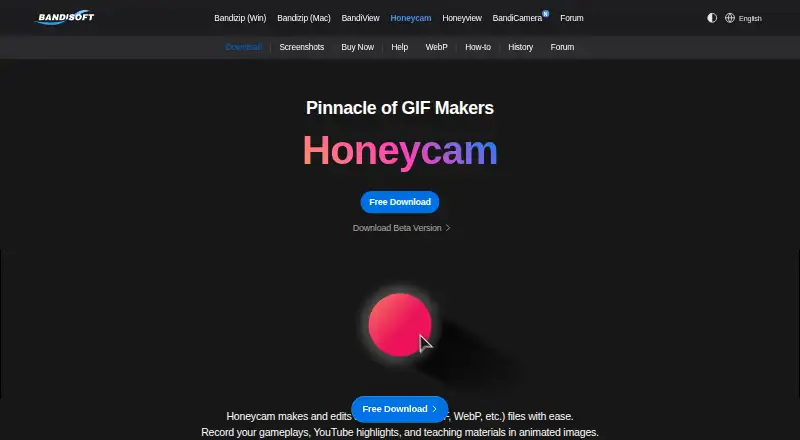
The facts below are what the maker publishes about Honeycam, checked and dated. Our editors have not written about it yet.
Plans and prices
From Honeycam's own pricing page, checked 11 Oct 2026.
| Plan | Price | What it gives you |
|---|---|---|
| Trial Edition | Free | 10-second recording limit · watermark · commercial use for evaluation only, up to 7 days |
| Professional Edition (1-PC) | $39, paid once | Unlimited recording time, subject to available storage · no watermark · commercial use · free version upgrades · $39 USD / 1-PC; license is permanent with no expiration |
The facts
Each one read from Honeycam's own pages, with the date it was checked.
The company
- Company history
- Bandisoft says Honeycam launched in 2014 as a screen-to-GIF recorder for Windows.checked 11 Oct 2026
- Founded
- 2008checked 28 Sep 2026
- Headquarters
- Seoul, South Koreachecked 28 Sep 2026
What it does
- Editing
- It can trim video, crop and resize content, and adjust frame count and playback time.checked 11 Oct 2026
- Filters and collage
- Its listed features include white balance, blur, mosaic, color curves, chromakey, and a collage feature for showing multiple images or videos in one frame.checked 11 Oct 2026
- Intended users
- The maker recommends the Trial Edition for simple use and product evaluation, and the Professional Edition for personal and commercial use.checked 11 Oct 2026
- No audio
- Honeycam does not record or edit audio, and sound is removed when editing a video that contains sound.checked 11 Oct 2026
- Output formats
- Honeycam can create GIF, WebP, AVIF, WebM, and MP4 files.checked 11 Oct 2026
- Purpose
- Honeycam records and edits animated image files such as GIF and WebP, including gameplay, video highlights, and teaching materials.checked 11 Oct 2026
- Security and privacy
- Bandisoft says it digitally signs its software and follows platform security requirements; its privacy policy says website access logs and purchase details are stored using AWS.checked 11 Oct 2026
- Support
- The maker directs users seeking product support or bug reports to its forum or [email protected].checked 11 Oct 2026
- Text and stickers
- It lets users add and individually animate text, stickers, and other images.checked 11 Oct 2026
Where it runs
- Supported Windows versions
- The product page lists Windows 10 and 11 (64-bit) as supported operating systems.checked 11 Oct 2026
Alternatives to Honeycam
- 1

Brush Ninja
Free planAndroidiOSWebLinux8.2From $48 a year - 2
FlexClip
Free planAndroidiOSWebWindows8.1From $143.88 a year - 3

GIPHY Create
Free planAndroidiOSWeb7.0Free plan - 4
MakeAGIF
Free planWebAPIExtension6.9Free plan - 5

Gifox
Free planmacOS6.8$14.99 one-time - 6

ImgPlay
Free planAndroidiOS6.8From $29.99 a year