Enolsoft DXF Viewer
Enolsoft DXF Viewer opens Autodesk DXF and DWG drawings on macOS and Windows, letting architects, engineers, designers and others inspect CAD files without A…
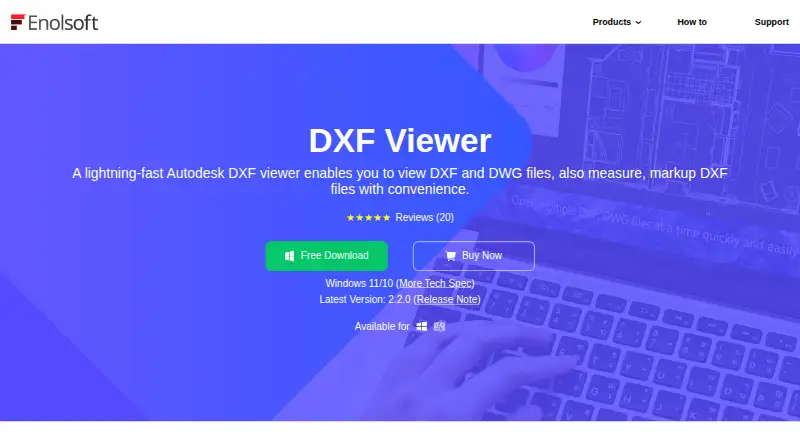
What Enolsoft DXF Viewer is
Enolsoft DXF Viewer opens Autodesk DXF and DWG drawings on macOS and Windows, letting architects, engineers, designers and others inspect CAD files without AutoCAD. Multiple files can be open in tabs, with 3D Wireframe, Shade and full-screen viewing options. The viewer displays drawing layers and elements, and provides controls to zoom, pan, reposition elements, or hide and show layers. Measurement tools calculate angles, distances between points or edges, and areas of closed shapes. For markup, users can add guidelines, cloud rectangles, shapes, polylines and text annotations, adjust colors, and save or clear the additions. Drawings can be saved as PDF or printed with settings for copies, page range, paper size, orientation and scale. A free plan is available, but full-version features require activation with a license code. Lifetime, annual and business plans offer device-count license options; people needing more than five devices are directed to contact sales. The application checks for updates at launch, and users can also check manually from its menu.
Good
- Opens DXF and DWG files without AutoCAD
- Supports 3D Wireframe, Shade and full-screen views
- Measures angles, distances and closed-shape areas
- Adds shapes, polylines and text annotations
- Exports to PDF and supports configurable printing
Watch out
- Full-version features require a license code
- More than five device licenses require contacting sales
Who it suits
It suits architects, engineers, designers and others who need to view, measure or annotate DXF and DWG drawings without AutoCAD. It is available on macOS and Windows.
Verdict
Enolsoft DXF Viewer covers drawing inspection, measurement, markup, PDF export and printing on macOS and Windows. The free plan offers an option to start, but using full-version features requires license activation.
Plans and prices
From Enolsoft DXF Viewer's own pricing page, checked 7 Oct 2026.
| Plan | Price | What it gives you |
|---|---|---|
| Annual Plan | — | License for device count; one-year free updates · one-year free support · Auto-renew, cancel anytime |
| Business Plan | — | For commercial use; license for device count; lifetime free updates · lifetime free support · One-time Payment |
| Lifetime Plan | — | License for device count; lifetime free updates · lifetime free support · One-time Payment |
The facts
Each one read from Enolsoft DXF Viewer's own pages, with the date it was checked.
What it does
- Activation
- The guide says activation is required to use the full-version features and is completed by entering a license code.checked 7 Oct 2026
- Automatic updates
- The application checks for updates when launched, and users can also check manually from its menu.checked 7 Oct 2026
- Export and print
- The viewer can save DXF and DWG files as PDF and print them with configurable copies, page range, paper size, orientation, and scale.checked 7 Oct 2026
- File viewing
- It supports multiple files in tabs, 3D Wireframe and Shade visualization, full-screen viewing, and display of drawing layers and elements.checked 7 Oct 2026
- Intended users
- The maker describes it as useful for architects, engineers, designers, and others who need to inspect CAD drawings without expensive CAD software.checked 7 Oct 2026
- License limit
- The purchase page lists license options for one, two, or five devices and asks users needing more than five to contact sales.checked 7 Oct 2026
- Markup
- Markup tools add guidelines, cloud rectangles, shapes, polylines, and text annotations, with a color control and save or clear options.checked 7 Oct 2026
- Measurement
- Measurement tools calculate angles, areas of closed shapes, and distances between points or edges.checked 7 Oct 2026
- Navigation
- Users can zoom, pan, reposition drawing elements, and hide or unhide layers.checked 7 Oct 2026
- Privacy policy
- Enolsoft's privacy policy says it may collect personal information for stated purposes and uses third-party payment processors that encrypt payment information before transmission.checked 7 Oct 2026
- Purchase support
- The purchase page states that plans include one-year support for the annual plan and lifetime support for lifetime and business plans.checked 7 Oct 2026
- Purpose
- Enolsoft DXF Viewer opens and views Autodesk DXF and DWG files without requiring AutoCAD.checked 7 Oct 2026
The company
- Company
- Enolsoft says it was established in 2011 and reports more than 8 million users in over 100 countries.checked 7 Oct 2026
Where it runs
- Platforms
- The maker's user guide describes Mac and Windows versions and links to separate downloads for each.checked 7 Oct 2026
Alternatives to Enolsoft DXF Viewer
- 1
ShareCAD
Free planAndroidiOSWebLinux8.0From $49 a month - 2

CAD Reader
Free planAndroidiOSmacOSWindows7.9From $45 a year - 3
CADViewer
AndroidiOSWebAPI7.6From $2,444 a year - 4

DWG FastView
AndroidiOSWebAPI7.6From $47.99 a year - 5

DWGSee
AndroidiOSWebAPI7.6$69 one-time - 6
Glovius
AndroidiOSWebWindows7.6From $299 a year