Dozer
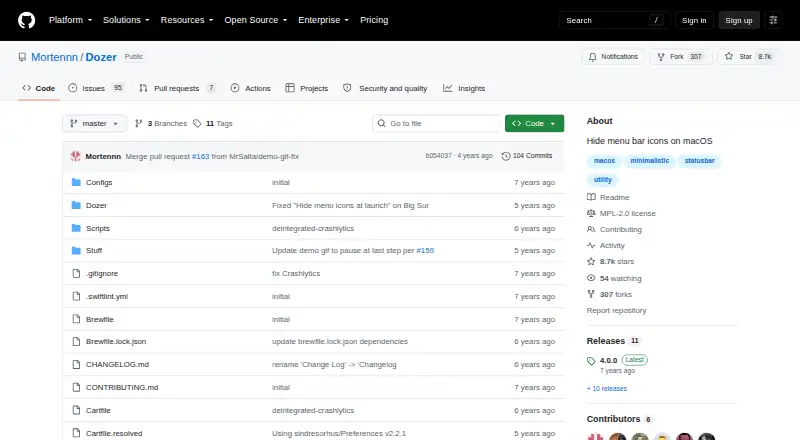
The facts below are what the maker publishes about Dozer, checked and dated. Our editors have not written about it yet.
Plans and prices
From Dozer's own pricing page, checked 9 Oct 2026.
| Plan | Price | What it gives you |
|---|---|---|
| Dozer | Free | macOS 10.13+ |
The facts
Each one read from Dozer's own pages, with the date it was checked.
What it does
- Adjustments
- The changelog says users can configure how many seconds pass before icons hide and adjust icon size and padding.checked 9 Oct 2026
- Auto-hide
- Dozer can automatically hide status bar icons, including at launch.checked 9 Oct 2026
- Controls
- Left-click toggles the first icon group, option-left-click toggles the optional second group, and right-click opens settings.checked 9 Oct 2026
- Icon groups
- Users can hide one group of menu bar icons with a click and an optional second group with option-click.checked 9 Oct 2026
- Installation
- The README gives Homebrew Cask and manual installation instructions.checked 9 Oct 2026
- Intended users
- The project describes a utility for Mac users who want to hide menu bar icons.checked 9 Oct 2026
- No Icon mode
- The release notes describe a mode that hides and shows icons using only a keyboard shortcut.checked 9 Oct 2026
- Open source license
- The repository lists the Mozilla Public License 2.0.checked 9 Oct 2026
- Purpose
- Dozer hides menu bar icons to give a Mac a cleaner look.checked 9 Oct 2026
- Support
- The contribution guide directs users to open GitHub issues for bug reports and feature requests, and asks them to include the app version in bug reports.checked 9 Oct 2026
- System requirement
- The README lists macOS 10.13 or later as a requirement.checked 9 Oct 2026