Vanilla
Vanilla is a Mac app that hides menu bar icons.
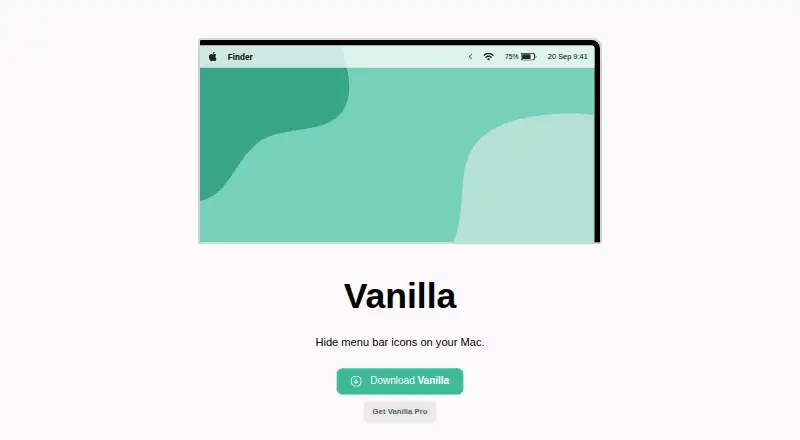
What Vanilla is
Vanilla is a Mac app that hides menu bar icons. Its free plan covers hiding icons, while Vanilla Pro adds keyboard shortcuts for toggling menu bar and desktop icons, automatic hiding five seconds after toggling, and an option to start at login. Pro can also move icons into a section where they appear only in Vanilla’s preferences window. Pro costs $10.00 USD one-time, and its activation code can be used up to 10 times by default. On macOS Catalina and later, the app requires Screen Recording permission to hide icons. The maker says it captures menu bar screenshots for this purpose but does not save or transmit them; internet access is used only for updates and Pro license validation. Vanilla supports MacBooks with display notches, though setup may involve rearranging menu bar items. The maker offers email support and recommends including device and operating system details in requests. Vanilla’s maker identifies itself as Matthew Palmer, and the product dates to 2017.
Good
- Free plan hides menu bar icons.
- Pro adds shortcuts and automatic hiding.
- Pro can start automatically at login.
- Supports MacBooks with display notches.
- Pro license activation code usable up to 10 times by default.
Watch out
- Pro costs $10.00 USD one-time.
- Requires Screen Recording permission on macOS Catalina and later.
- Notch setup may require rearranging menu bar items.
Who it suits
Vanilla suits Mac users who want to hide menu bar icons. Pro may fit users who want shortcuts, automatic hiding, or icons kept out of view except in the app’s preferences.
Verdict
Vanilla focuses on hiding Mac menu bar icons, with Pro adding shortcuts, automatic hiding, and a more concealed icon section. Consider the one-time Pro cost and Screen Recording permission requirement on newer macOS versions.
Plans and prices
From Vanilla's own pricing page, checked 30 Sep 2026.
| Plan | Price | What it gives you |
|---|---|---|
| Vanilla Free | Free | Hide menu bar icons |
| Vanilla Pro | $10, paid once | Keyboard shortcuts · Completely remove icons · Auto-hide icons after five seconds · Start at login · License activation code usable up to 10 times · 30-day money-back guarantee · One-time purchase |
The facts
Each one read from Vanilla's own pages, with the date it was checked.
What it does
- Automatic hiding
- Pro can automatically hide icons five seconds after you toggle them in Vanilla.checked 30 Sep 2026
- Completely remove icons
- Pro has a “Completely Removed” section whose icons are visible only in Vanilla’s preferences window.checked 30 Sep 2026
- Display notch support
- Vanilla is compatible with MacBooks that have display notches, though setup may require rearranging menu bar items.checked 30 Sep 2026
- Internet access
- Vanilla says it accesses the internet only to check for updates and validate Pro license codes.checked 30 Sep 2026
- Launch behavior
- Pro can start Vanilla automatically when you log in to your Mac.checked 30 Sep 2026
- License limit
- A Vanilla Pro activation code can be used up to 10 times by default.checked 30 Sep 2026
- Pro customization
- Vanilla Pro adds keyboard shortcuts to toggle menu bar and desktop icons.checked 30 Sep 2026
- Purpose
- Vanilla is a Mac app that hides menu bar icons.checked 30 Sep 2026
- Screenshot handling
- Vanilla says it takes screenshots of the menu bar to hide icons, and that screenshots are not saved or transmitted.checked 30 Sep 2026
- Support
- The maker offers email support and suggests including device and operating system details when requesting help.checked 30 Sep 2026
The company
- Founded
- 2017checked 28 Sep 2026
- Maker
- The product site identifies Matthew Palmer as the maker; his main site says he runs a software business making apps and SaaS.checked 30 Sep 2026
Where it runs
- macOS 27 beta
- The maker says Vanilla 3 is available in beta for macOS 27 Golden Gate.checked 30 Sep 2026
- macOS permission
- Vanilla requires Screen Recording permission on macOS Catalina and later to hide icons.checked 30 Sep 2026