
Dockside
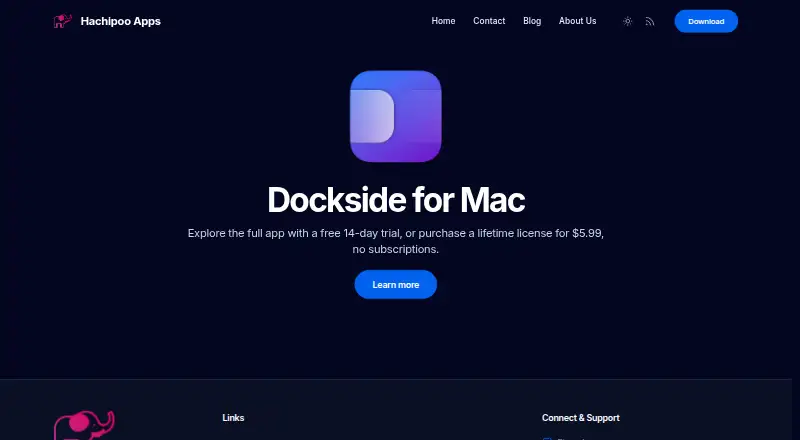
The facts below are what the maker publishes about Dockside, checked and dated. Our editors have not written about it yet.
Plans and prices
From Dockside's own pricing page, checked 5 Oct 2026.
| Plan | Price | What it gives you |
|---|---|---|
| Standard lifetime license | $5.99, paid once | Personal use · up to 3 Macs · unlimited updates and support · One-time purchase; lifetime license |
The facts
Each one read from Dockside's own pages, with the date it was checked.
Where it runs
- App integrations
- Apps can send files, folders, URLs, or plain text to Dockside through custom URLs, command-line calls, or a macOS Service.checked 5 Oct 2026
What it does
- Automation
- Drop zones can run macOS Shortcuts, AppleScript, shell scripts, CLI commands, and file utilities.checked 5 Oct 2026
- Compatibility
- The product page identifies Dockside as a native app for macOS 13 and later.checked 5 Oct 2026
- Drop-zone limit
- The feature list describes up to eight drop zones and up to three active file areas.checked 5 Oct 2026
- File workflows
- Users can store items by reference or copy, move them, make stacks, search the shelf, and drag items to Finder or other apps.checked 5 Oct 2026
- Folder monitoring
- File areas can watch folders and add matching new files, with controls for scan depth and exclusions.checked 5 Oct 2026
- Integrations
- Dockside lists Clop for file optimization, Dropshare for uploads, and PopClip for sending selected text to the shelf.checked 5 Oct 2026
- Other features
- Dockside includes notes, an App Drawer, clipboard history, media controls for Spotify or Apple Music, and compact system readouts.checked 5 Oct 2026
- Placement
- The shelf can sit beside the Dock or independently along any screen edge, and can be pinned to a chosen screen.checked 5 Oct 2026
- Privacy
- The privacy policy says Dockside does not collect personal or usage data, works offline after license activation, and sends crash data to Sentry only if the user enables it.checked 5 Oct 2026
- Product
- Dockside is a native macOS file shelf and Dock companion for staging files, folders, notes, screenshots, and downloads.checked 5 Oct 2026
- Security
- The product page states Dockside is Apple notarized and uses Apple APIs.checked 5 Oct 2026
- Support
- The lifetime license includes support and updates; the maker lists Discord and email as contact channels.checked 5 Oct 2026
The company
- Headquarters
- London, United Kingdomchecked 28 Sep 2026
- Maker
- Hachipoo Apps says indie developer Prajwal built Dockside as his first macOS app.checked 5 Oct 2026
Alternatives to Dockside
- 1
BitDock
Free planWindows7.2Free plan - 2

DeskBox
Free planOpen sourceWindows7.0Free plan - 3
iTop Easy Desktop
Free planWindows6.6From $11.99 a year - 4
Tabbles
Free planAPIExtensionWindows6.6From €3 a year - 5

AutoShelf
Free planmacOS6.5$19.99 one-time - 6
Right Click Enhancer
Free planWindows6.5$9.99 one-time