
DeskDrawer
The facts below are what the maker publishes about DeskDrawer, checked and dated. Our editors have not written about it yet.
Plans and prices
From DeskDrawer's own pricing page, checked 8 Oct 2026.
| Plan | Price | What it gives you |
|---|---|---|
| DeskDrawer | — | All features included · no subscription, renewal, expiry, or in-app purchases · One-time purchase on the Microsoft Store; current price varies by market and is shown on the Store listing. |
The facts
Each one read from DeskDrawer's own pages, with the date it was checked.
What it does
- Board controls
- Boards can be moved, resized, folded, styled with optional outlines and rounded corners, and arranged using five sort modes and four icon sizes.checked 8 Oct 2026
- Compatibility detail
- DeskDrawer supports multiple monitors with mixed DPI scaling and keeps boards within each monitor's work area.checked 8 Oct 2026
- Intended users
- It is aimed at people who use the desktop as a working surface for current projects, downloads, and files they will handle soon.checked 8 Oct 2026
- Localization
- The Microsoft Store listing is available in 16 languages, while the application strings and documentation are English-only and the app interface is primarily icon-based.checked 8 Oct 2026
- Notable exclusions
- It has no automatic filing rules, launcher, dock, widgets, theming, plugin system, global hotkeys, or sync between machines, and there is no ARM64 build.checked 8 Oct 2026
- Privacy
- The app says it makes no network connections and has no telemetry, analytics, crash reporting, accounts, or ads; its configuration and error log stay local unless a user chooses to share the log.checked 8 Oct 2026
- Purpose
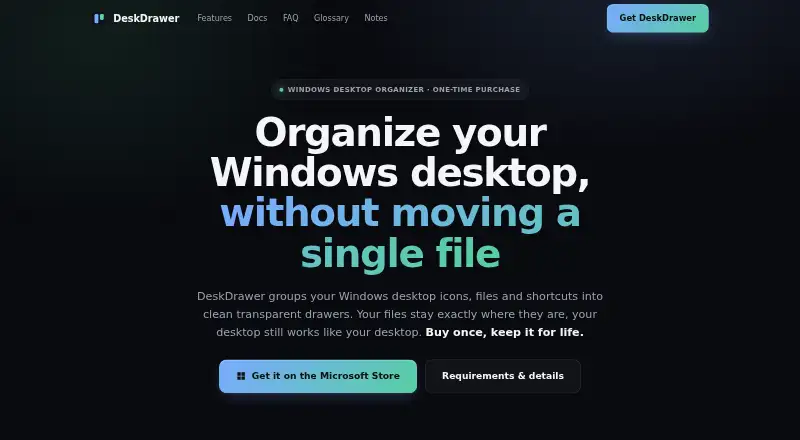
- DeskDrawer groups Windows desktop icons, files, folders, and shortcuts into transparent boards while leaving files in their original locations.checked 8 Oct 2026
- Requirements
- It supports Windows 10 version 2004 (build 19041) and newer, plus Windows 11, on x64; no runtime installation is required.checked 8 Oct 2026
- Runtime footprint
- DeskDrawer runs as one tray process without background services, drivers, shell extensions, or a plugin host, and is distributed as a self-contained executable.checked 8 Oct 2026
- Support
- Users can report bugs or request features through GitHub Issues or email; the developer reads both channels directly and replies may not be instant.checked 8 Oct 2026
- Updates and refunds
- Updates are delivered through the Microsoft Store at no upgrade fee, and Store purchase refunds are requested through the user's Microsoft account under Microsoft's refund policy.checked 8 Oct 2026
Where it runs
- Windows integration
- It provides Windows shell context menus, drag and drop, standard keyboard shortcuts, and the Windows 11 Share pane.checked 8 Oct 2026
Alternatives to DeskDrawer
- 1
BitDock
Free planWindows7.2Free plan - 2

DeskBox
Free planOpen sourceWindows7.0Free plan - 3
iTop Easy Desktop
Free planWindows6.6From $11.99 a year - 4
Tabbles
Free planAPIExtensionWindows6.6From €3 a year - 5

AutoShelf
Free planmacOS6.5$19.99 one-time - 6
Right Click Enhancer
Free planWindows6.5$9.99 one-time