Cyan
Cyan is a free, open-source desktop image viewer and converter made for prepress print work.
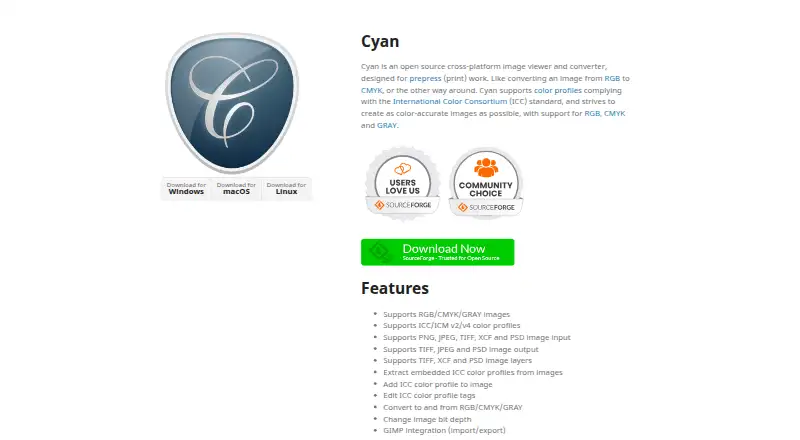
What Cyan is
Cyan is a free, open-source desktop image viewer and converter made for prepress print work. It supports RGB, CMYK, and GRAY images, including conversion among those color modes and changes to image bit depth. Input formats are PNG, JPEG, TIFF, XCF, and PSD; output formats are TIFF, JPEG, and PSD. Cyan supports ICC/ICM version 2 and version 4 color profiles, with tools to extract embedded profiles, add profiles to images, and edit profile tags. It also handles layers in TIFF, XCF, and PSD files and provides GIMP import and export integration. The application runs on Linux, macOS, and Windows and is not a web application. Cyan is governed by the CeCILL license, which permits use, modification, and redistribution under its terms. Its feature set centers on print-oriented color conversion, profile handling, and file preparation. There is no free trial because the software is offered as a free plan.
Good
- RGB, CMYK, and GRAY conversion
- ICC/ICM v2 and v4 profile tools
- Supports layered TIFF, XCF, and PSD files
- GIMP import and export integration
- Runs on Linux, macOS, and Windows
Watch out
- Desktop application only
- No web application
- Output formats limited to TIFF, JPEG, and PSD
- No free trial
Who it suits
It suits print-prepress users who need RGB, CMYK, or GRAY conversion and ICC/ICM profile tools. It is also useful for desktop workflows involving supported layered image formats and GIMP.
Verdict
Cyan is focused on desktop prepress color work rather than general web-based editing. Its format, layer, profile, and GIMP support make it suited to print preparation tasks.
The facts
Each one read from Cyan's own pages, with the date it was checked.
What it does
- Bit depth
- It can change image bit depth.checked 9 Oct 2026
- Color profiles
- It supports ICC/ICM v2 and v4 color profiles.checked 9 Oct 2026
- Color spaces
- It supports RGB, CMYK, and GRAY images and conversion between those color spaces.checked 9 Oct 2026
- Conversion
- It can convert images to and from RGB, CMYK, and GRAY and change image bit depth.checked 8 Oct 2026
- Input formats
- It supports PNG, JPEG, TIFF, XCF, and PSD image input.checked 9 Oct 2026
- Integration
- It provides GIMP import and export integration.checked 9 Oct 2026
- Intended users
- Cyan is intended for prepress print work, including converting images between RGB and CMYK.checked 8 Oct 2026
- Layers
- It supports image layers in TIFF, XCF, and PSD files.checked 9 Oct 2026
- License
- The software is governed by the CeCILL license, which the site describes as allowing use, modification, and redistribution under its terms.checked 9 Oct 2026
- Output formats
- It supports TIFF, JPEG, and PSD image output.checked 9 Oct 2026
- Profile tools
- It can extract embedded ICC profiles, add profiles to images, and edit ICC profile tags.checked 9 Oct 2026
- Purpose
- Cyan is an open source image viewer and converter designed for prepress (print) work.checked 9 Oct 2026
Where it runs
- Platforms
- The site provides downloads for Windows, macOS, and Linux.checked 9 Oct 2026
Alternatives to Cyan
- 1

Convertio
Free planAndroidiOSWebAPI8.3From $6.99 a month - 2
FreeConvert GIF Maker
Free planAndroidiOSWebAPI8.2From $12.99 a month - 3
Zamzar API
Free planAndroidiOSWebAPI8.2From $25 a month - 4
Aspose.Imaging
Free planAndroidiOSWebAPI8.1$999 one-time - 5

CloudConvert Audio Converter
Free planAndroidiOSWebAPI8.1From $10 a month - 6
XnConvert
Free planAndroidLinuxmacOSWindows7.9€6.50 one-time