
Code::Blocks
Code::Blocks is a free IDE for C, C++ and Fortran, available on Linux, macOS and Windows.
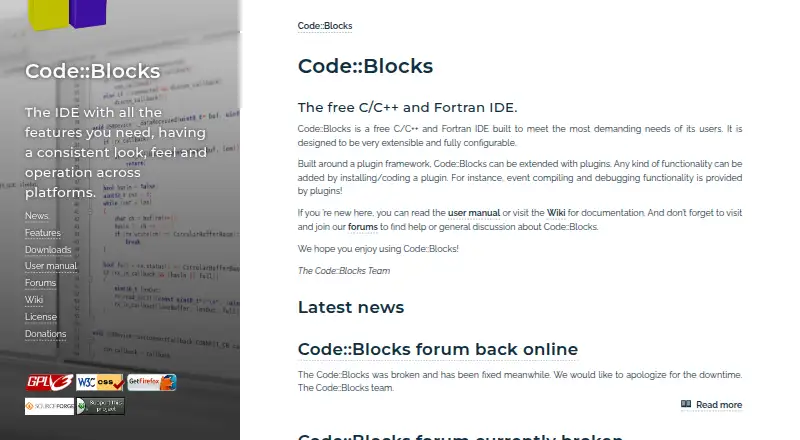
What Code::Blocks is
Code::Blocks is a free IDE for C, C++ and Fortran, available on Linux, macOS and Windows. Its editor includes syntax highlighting, code folding, tabs, code completion, a class browser and smart indent. A custom build system supports parallel builds, multi-target projects, workspaces and inter-project dependencies. Listed compiler options include GCC, MSVC++, clang, Digital Mars, Borland C++ 5.5 and Open Watcom. For debugging, Code::Blocks interfaces with GNU GDB and also supports MS CDB, which its site describes as not fully featured. It can import MSVC projects and workspaces, though assembly code is not supported in those imports, and it can import Dev-C++ projects. A plugin framework lets users add functionality by installing or writing plugins; some plugins ship with official releases, while others are managed outside the team. Code::Blocks is distributed under GNU GPL version 3, and its SDK uses GNU LGPL version 3, which permits closed-source plugins to link against it. Documentation and discussion are available through its manual, wiki and forums.
Good
- Free IDE with no paid tiers stated
- Available on Linux, macOS and Windows
- Custom build system supports parallel builds
- Plugin framework supports installed or user-written plugins
Watch out
- MS CDB support is described as not fully featured
- MSVC project imports do not support assembly code
- Some plugins are managed outside the Code::Blocks team
Who it suits
Code::Blocks suits people seeking a free IDE for C, C++ or Fortran on Linux, macOS or Windows. Its plugin framework and support for multiple compilers may suit users who want to extend their development setup.
Verdict
Code::Blocks offers editor, build and debugging tools for three languages without a stated paid tier. Users should account for the MS CDB and MSVC assembly-import limits, and check the available plugins they need.
Plans and prices
From Code::Blocks's own pricing page, checked 3 Oct 2026.
| Plan | Price | What it gives you |
|---|---|---|
| Code::Blocks | Free | Free IDE; no paid tiers stated |
The facts
Each one read from Code::Blocks's own pages, with the date it was checked.
What it does
- Build system
- It has a custom build system with parallel builds, multi-target projects, workspaces and inter-project dependencies.checked 3 Oct 2026
- Compiler support
- Listed compilers include GCC, MSVC++, clang, Digital Mars, Borland C++ 5.5 and Open Watcom.checked 3 Oct 2026
- Debugging
- The debugger interfaces with GNU GDB and also supports MS CDB, which the site says is not fully featured.checked 3 Oct 2026
- Downloads
- The source downloads page lists Code::Blocks 25.03 source archives and SDK documentation for plugin developers.checked 3 Oct 2026
- Editor
- The interface includes syntax highlighting, code folding, a tabbed interface, code completion, a class browser and smart indent.checked 3 Oct 2026
- Extensibility
- The IDE uses a plugin framework, and functionality can be added by installing or writing plugins.checked 3 Oct 2026
- License
- Code::Blocks is distributed under GNU GPL version 3; its SDK is under GNU LGPL version 3, which allows linking by closed-source plugins.checked 3 Oct 2026
- Plugin ecosystem
- The plugin page says some plugins are included in official releases while others are developed and managed by people outside the team.checked 3 Oct 2026
- Project imports
- It imports MSVC projects and workspaces, with assembly code not supported yet, and imports Dev-C++ projects.checked 3 Oct 2026
- Purpose
- Code::Blocks is a free IDE for C, C++ and Fortran.checked 3 Oct 2026
- Release
- The site announces Code::Blocks 25.03 and describes it as improved for HiDPI, with new features and increased stability.checked 3 Oct 2026
- Support
- The site directs users to its manual, wiki and forums for documentation, help and discussion.checked 3 Oct 2026
Alternatives to Code::Blocks
- 1

GeneXus
Free planAndroidiOSWebAPI8.2From $99 a year - 2

PyCharm
Free planOpen sourceAPILinuxmacOSSelf-hosted8.2From $100 a year - 3
Omnis Studio
Free planAndroidiOSWebAPI8.1From $9.38 a month - 4

CLion
Free planExtensionLinuxmacOSSelf-hosted7.8From $10.90 a month - 5

IntelliJ IDEA
Free planAPIExtensionLinuxmacOS7.8Free plan - 6
Qt Creator
Free planAndroidiOSWebLinux7.7From €546 a year