Quicksilver
Quicksilver is a free, open-source macOS productivity application for controlling a Mac from the keyboard.
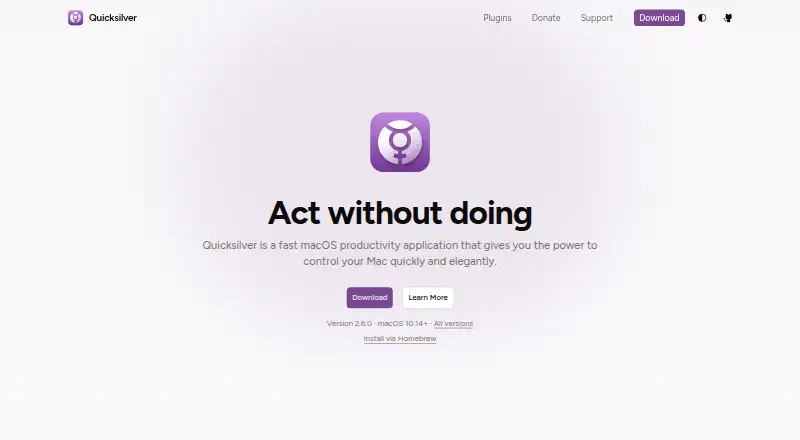
What Quicksilver is
Quicksilver is a free, open-source macOS productivity application for controlling a Mac from the keyboard. A few keystrokes can launch applications, open files and access bookmarks, while actions can move, copy, email or compress files, send messages and control iTunes. Hundreds of plugins extend the app and can be installed and managed inside it; listed capabilities include Apple Mail, Gmail, Safari, Chrome, Firefox, Calendar and Reminders. Keyboard shortcuts or mouse gestures can trigger actions. More than 10 interfaces offer color theming. Quicksilver’s FAQ says it does not phone home, collect analytics or track usage, and keeps data on the user’s Mac. The latest version runs on macOS 10.14 or later, with earlier versions for older releases. Support resources include the manual, FAQ, GitHub Discussions and GitHub Issues. The manual notes that search indexes file names rather than file contents and that the catalog index remains in memory. The Free plan costs nothing, includes all features and has no paid version or subscription.
Good
- Free and open source
- Hundreds of installable plugins
- Keyboard shortcuts and mouse gestures
- Works with several Apple and browser services
- No analytics or usage tracking
Watch out
- macOS only
- Search indexes names, not file contents
- Latest version requires macOS 10.14 or later
- Catalog index stays in memory
Who it suits
It suits Mac users who want keyboard-driven launching, file actions and extensible workflows without a subscription.
Verdict
Quicksilver combines keyboard launching, file actions and plugins at no cost. Its macOS requirement and filename-only indexing are important fit considerations.
Plans and prices
From Quicksilver's own pricing page, checked 8 Oct 2026.
| Plan | Price | What it gives you |
|---|---|---|
| Free | Free | All features · no paid version or subscription |
The facts
Each one read from Quicksilver's own pages, with the date it was checked.
What it does
- Actions
- It can move, copy, email, or compress files, send messages, and control iTunes.checked 8 Oct 2026
- Customization
- Quicksilver offers more than 10 interfaces with color theming.checked 8 Oct 2026
- Integrations
- The site lists Apple Mail, Gmail, Safari, Chrome, Firefox, Calendar, and Reminders among its plugin capabilities.checked 8 Oct 2026
- Launch and search
- It launches applications, opens files, and accesses bookmarks with a few keystrokes.checked 8 Oct 2026
- Notable limitation
- The manual says Quicksilver indexes file names rather than file contents and keeps its catalog index in memory.checked 8 Oct 2026
- Open source
- Quicksilver is free, open source, and community-maintained.checked 8 Oct 2026
- Plugins
- Hundreds of plugins extend Quicksilver, and plugins can be installed and managed from within the app.checked 8 Oct 2026
- Privacy
- The FAQ says Quicksilver does not phone home, collect analytics, or track usage, and that data stays on the user's Mac.checked 8 Oct 2026
- Product
- Quicksilver is a macOS productivity application for controlling a Mac from the keyboard.checked 8 Oct 2026
- Requirements
- The latest version runs on macOS 10.14 or later; previous versions are available for older macOS releases.checked 8 Oct 2026
- Support
- Support options include the manual, FAQ, GitHub Discussions, and GitHub Issues.checked 8 Oct 2026
- Triggers
- Users can assign keyboard shortcuts or mouse gestures to run actions.checked 8 Oct 2026
Alternatives to Quicksilver
- 1

Raycast
Free planiOSAPIExtensionmacOS7.9From $96 a year - 2

Alfred
Free planiOSAPImacOS7.7£34 one-time - 3
Launchy
Free planOpen sourceAndroidAPILinuxmacOS7.7Free plan - 4
Dropzone
Free planAPImacOS7.4Free plan - 5
PortableApps.com Platform
Free planOpen sourceLinuxmacOSWindows7.4Free plan - 6
True Launch Bar
Free planWindows7.3$19.90 one-time