
Mail-in-a-Box
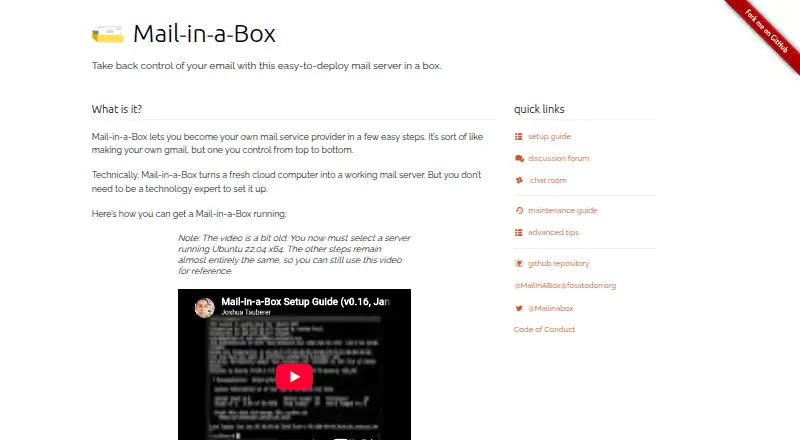
The facts below are what the maker publishes about Mail-in-a-Box, checked and dated. Our editors have not written about it yet.
The facts
Each one read from Mail-in-a-Box's own pages, with the date it was checked.
What it does
- Administration and API
- A web control panel manages accounts, aliases, DNS records, and backups, and its functionality is also available through a RESTful HTTP API.checked 11 Oct 2026
- API
- Control panel functionality can also be accessed through a RESTful HTTP API.checked 11 Oct 2026
- Backups
- It supports automated backups to Amazon S3 and compatible services, and its setup guide says backups are encrypted.checked 11 Oct 2026
- Contacts and calendar
- It includes contacts and calendar synchronization.checked 11 Oct 2026
- Deliverability
- The project warns that other mail services may block or spam-filter mail sent from a self-run Mail-in-a-Box server.checked 11 Oct 2026
- DNS and TLS
- It can configure mail-related DNS records including SPF, DKIM, DMARC, and MTA-STS, and automatically provisions TLS certificates from Let’s Encrypt.checked 11 Oct 2026
- Email tools
- It provides webmail and an IMAP/SMTP server for mobile devices and desktop mail software.checked 11 Oct 2026
- Hosting
- A box can host mail for multiple users and domains, and can also host a simple static website.checked 11 Oct 2026
- Hosting requirements
- It requires a fresh, dedicated Ubuntu 22.04 x64 machine; containers and modified images are not supported.checked 11 Oct 2026
- License and intended users
- Mail-in-a-Box is dedicated to the public domain under CC0 and describes its goal as making it easy to deploy a mail server for people who want to control their own email.checked 11 Oct 2026
- Limit
- The project describes itself as a simple turn-key solution with basically no configuration options, and says the machine’s configuration files cannot be tweaked after installation.checked 11 Oct 2026
- Mail and calendars
- It includes webmail, IMAP/SMTP, contacts, and calendar synchronization.checked 11 Oct 2026
- Notable limitation
- The project aims for a turn-key setup with basically no configuration options, and configuration files cannot be tweaked after installation.checked 11 Oct 2026
- Project history
- Joshua Tauberer began the project in 2013 and is its primary maintainer.checked 11 Oct 2026
- Purpose
- Mail-in-a-Box turns a fresh cloud computer into a mail server that lets users run their own email service.checked 11 Oct 2026
- Requirements
- The setup guide requires a fresh Ubuntu 22.04 x64 server and at least 512 MB of RAM; it says containers and modified images are not supported.checked 11 Oct 2026
- Security
- The security guide says credentials are sent through SSH or TLS and outbound mail uses the highest level of TLS possible.checked 11 Oct 2026
- Spam and filtering
- It includes spam filtering, greylisting, mail filter rules, and email client autoconfiguration.checked 11 Oct 2026
- Spam and rules
- Included mail features include spam filtering, greylisting, and mail filter rules.checked 11 Oct 2026
- Support
- The project directs users to its discussion forum, GitHub issues, and Slack chat for help.checked 11 Oct 2026
Money
- Cost estimate
- The setup guide estimates about $12 per month for the service, primarily for a virtual machine connected to the internet, and says domain registration is about $17 per year depending on the TLD.checked 11 Oct 2026
- Cost to operate
- The setup guide estimates running a box will cost about $12 per month, mostly for a cloud machine connected to the internet.checked 11 Oct 2026
The company
- Founded
- 2013checked 28 Sep 2026
Alternatives to Mail-in-a-Box
- 1

mailcow
Free planAndroidiOSWebLinux7.4From €8.90 a month - 2
MailEnable
Free planAndroidiOSWebSelf-hosted7.4$395 one-time - 3

SmarterMail
Free planAndroidiOSWebLinux7.4From $500 a year - 4

Stalwart Mail Server
Free planWebAPILinuxmacOS7.1From $1.09 a year - 5

IceWarp
AndroidiOSWebAPI7.0From $1.35 a month - 6

Axigen
Free planAndroidiOSWebAPI6.9Free plan